
Trip logging, made easy.
Automatically record your journeys, sort business from personal, and turn your kilometres into clear reports.
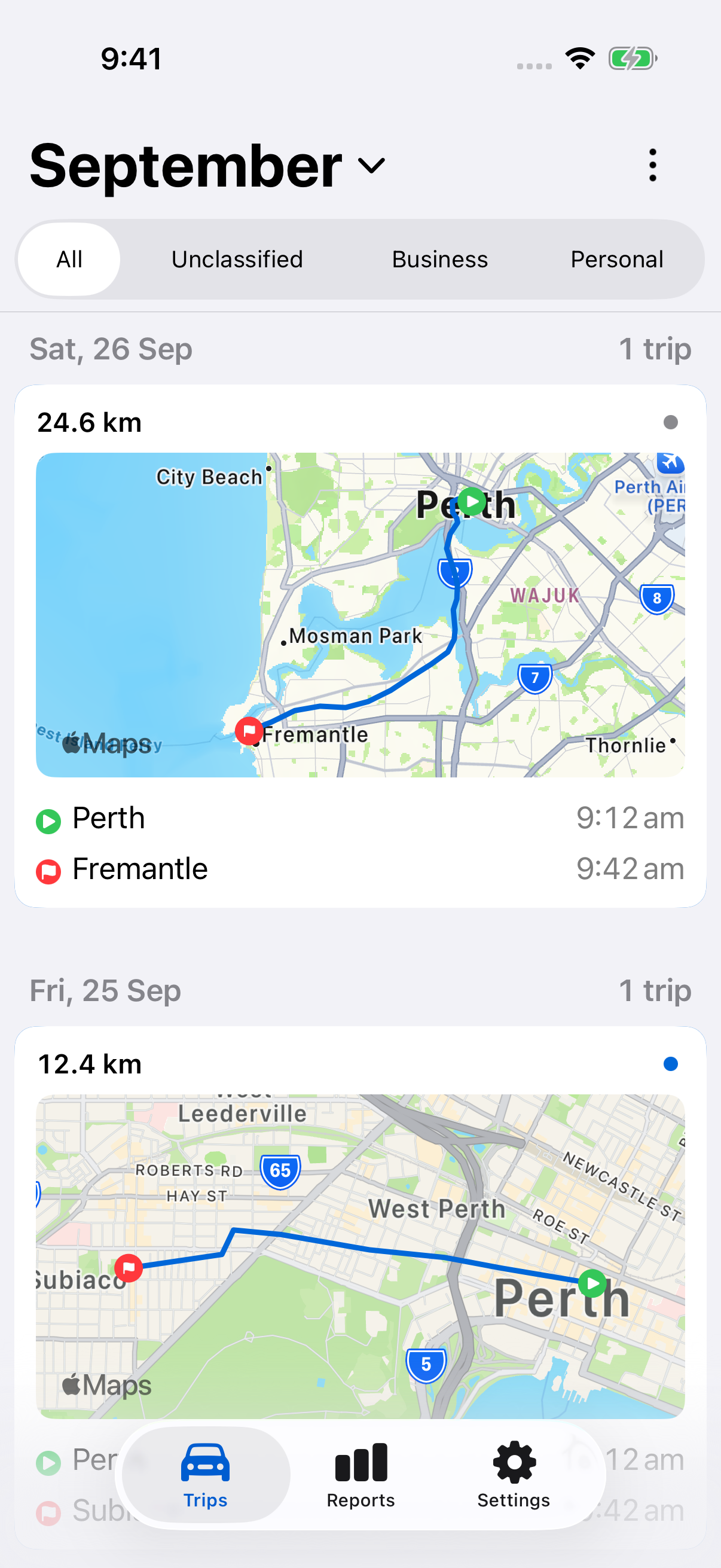
Recorded automatically.
Ready to review.
How it works
Track your trips automatically.
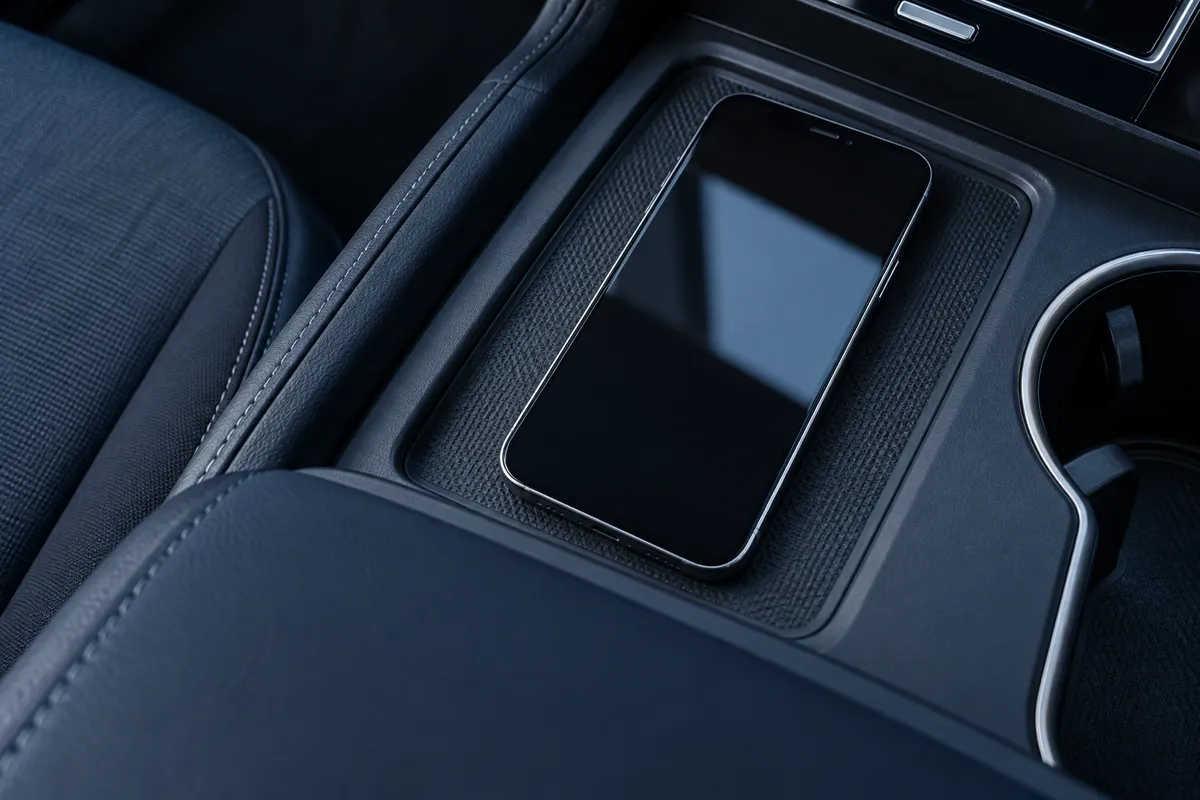
Turn on automatic tracking and let LogMetric record your journeys in the background.
 now
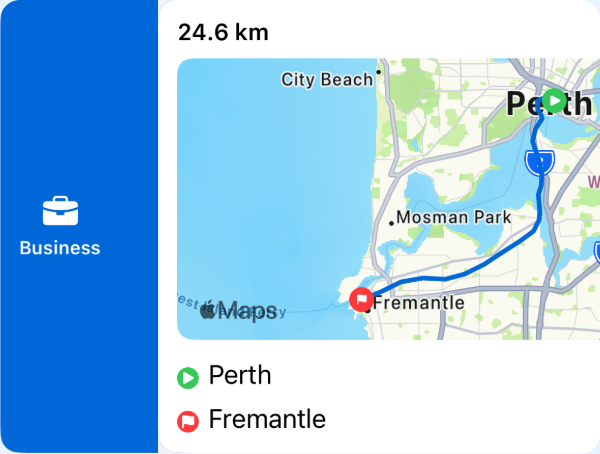
nowSwipe to classify.
Swipe right to mark a trip as Business. Add a note while the journey is still fresh.
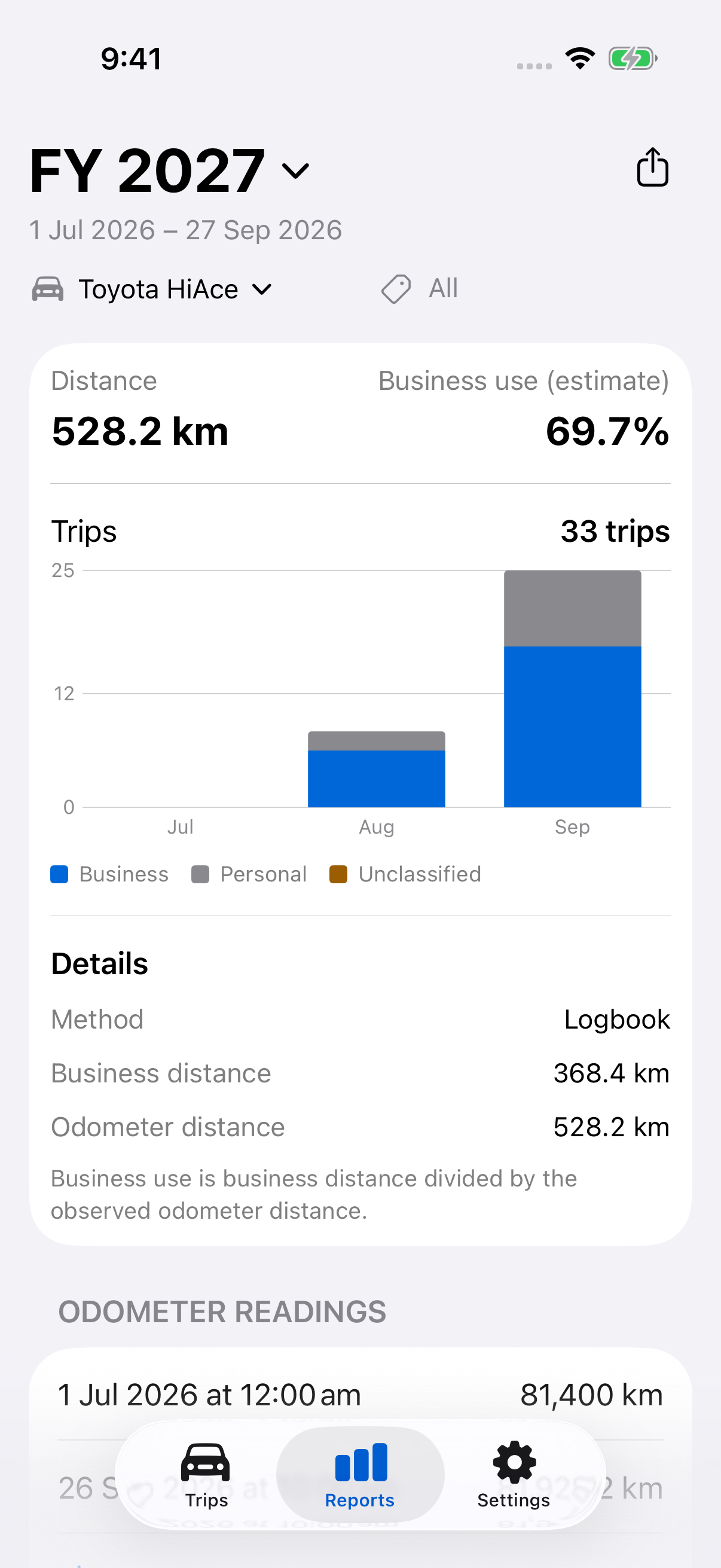
Generate tax reports instantly.
Choose your vehicle and dates, then export a PDF or CSV to save, share or send to your accountant.
For a 12-week logbook or records across the year.
Make your business kilometres count.
Build a clear record of business travel to review with your accountant at tax time.
Common questions
A few things worth knowing before your first trip.
How does automatic tracking work?
Turn on automatic tracking and allow the required permissions. Keep LogMetric running in the background so it can detect trips.
Can I change a trip after classifying it?
Review its classification, notes, times and vehicle, then save your changes.
Can I keep a 12-week logbook?
Choose a 12-week period for your logbook report and include your odometer readings.
Can I share it with my accountant?
Export a PDF or CSV, then save or share it from your phone.
Still need a hand? Visit Help & support →